App Development Checklist

Uncategorized

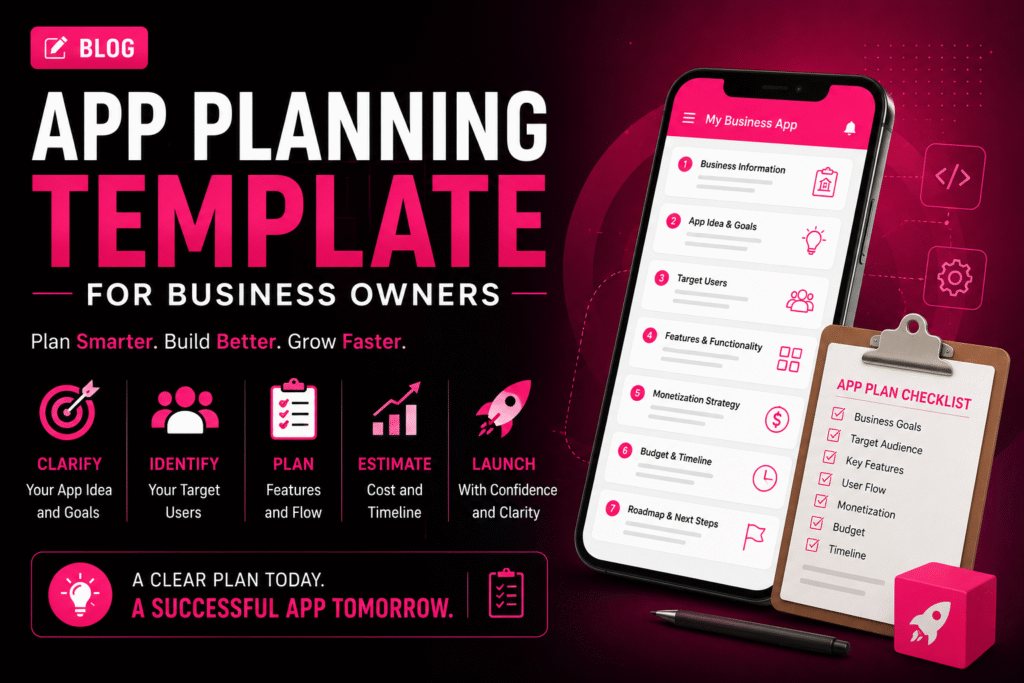
πŸ“± App Planning Template for Business Owners

πŸš€ How to Automate Your Business with a Custom App App Planning Template for Business Owners | Crawlers Technologies Template 0 / 22 sections filled Intro Business Info App Idea Users & UVP Features UX & Platform Tech & Integrations Revenue & Budget Timeline & Launch Security & KPIs Partner & Ownership Full Summary Free Template Β· App Planning Β· Fillable App Planning Templatefor Business Owners Fill in each section before approaching a development company. A well-prepared plan reduces development cost, saves time, and gives your app the best chance of success. πŸ’‘ 22 Sections ✍️ Fully Fillable πŸ“‹ Competitor Research πŸ’° Budget Planner πŸ—ΊοΈ User Journey πŸ“Š KPI Tracker πŸš€ Launch Strategy Fill each section as you go Section 01 – 02 01Business Information This helps your development team understand the business context before discussing technology. Business Name Industry Business Location Website Current Business Model Main Products / Services Current Customer Base 02Define Your App Idea My App Idea (one or two sentences) Keep it simple. If you can explain the idea clearly in one sentence, it becomes far easier to define the required features. Section 03 – 04 03What Problem Will Your App Solve? This is one of the most important sections. Your app should solve a real problem β€” not simply exist as another digital channel. Current Customer Problem How Customers Currently Solve It How My App Will Improve It 04Identify Your Target Users Primary Users Age Group Location Customer Type Main User Needs Biggest User Pain Point Section 05 – 06 05Define Your Unique Value Proposition Complete this sentence Better pricing Faster service Easier booking Better UX Exclusive products Local availability Personalised service Faster delivery 06Research Your Competitors Study negative reviews β€” they reveal gaps your competitors haven’t solved yet. Competitor Name Main Features Strength Weakness What can my app do better? Section 07 – 09 07Decide Your App Platform Click to select all that apply. πŸ€–Android 🍎iOS 🌐Web App πŸ–₯️Admin Dashboard 08Create Your Feature List Click each feature to select it for your project. πŸ‘€ User Features Registration / Login User Profile Search & Filters Product / Service Listings Booking / Cart Online Payment Order / Booking Tracking Push Notifications Reviews & Ratings Customer Support / Chat βš™οΈ Business Features Admin Dashboard Customer Management Order Management Inventory Management Reports & Analytics Employee Management Offers & Promotions Real-time Dashboards 09Separate MVP from Future Features βœ… Must-Have Features (MVP β€” launch with these) β—‡ Future Features (add after validation) “If I could launch with only 5 features, which ones would they be?” β€” Those are your MVP features. Section 10 – 11 10Plan Your App Screens My Required Screens (list them) Common Screen Checklist Splash Screen Login / Registration Home / Dashboard Search & Filter Product / Service Detail Cart / Booking Checkout / Payment Order Confirmation User Profile Notifications Support / Help Admin Panel 11Map the User Journey Think through what happens from the moment someone opens your app to completing an action. πŸ“±Open App ↓ πŸ‘€Login / Register ↓ πŸ”Browse Services / Products ↓ β˜‘οΈSelect & Choose Date/Time ↓ πŸ’³Make Payment ↓ βœ…Confirmation & Notification My Custom User Journey Section 15 – 17 15List Required Integrations Payment Gateway (Razorpay / Stripe) Google Maps / Location WhatsApp API SMS / OTP Service Email Service CRM System ERP / Accounting Software Social Login (Google / Facebook) Cloud Storage (AWS S3 / Firebase) Analytics (Firebase / Mixpanel) Other Integrations 16Plan Backend & Cloud Infrastructure Database Preference Cloud Hosting Questions for Your Development Team 17Plan App Security Secure login (OTP / email) Strong authentication (2FA) Data encryption at rest and transit HTTPS across all endpoints Secure APIs with token auth Role-based access control Database protection Regular automated backups Security testing before launch Section 12 – 13 12Decide How Your App Will Make Money Click your revenue model(s). πŸ›’ Direct Sales Sell products or services through the app πŸ” Subscription Charge users monthly or annually πŸ’Έ Commission Take a percentage from each transaction πŸ“£ Advertising Generate revenue through in-app ads πŸ†“ Freemium Free basic, paid premium features 🎯 Lead Generation Convert app users into business leads 13Set Your Budget Development cost is only one part of the total app investment. Expense Category Estimated Budget (β‚Ή) 🎨 UI/UX Design πŸ“± App Development βš™οΈ Backend Development πŸ§ͺ Testing & QA ☁️ Cloud Hosting (Annual) πŸ”— API Costs (Annual) πŸ“± App Store Fees πŸ”§ Maintenance (Annual) πŸ“£ Marketing πŸ’° Total Estimated Budget Section 14 & 22 14Set Your Timeline & Milestones Milestone Target Date 🎨 UI/UX Design Completion πŸ’» MVP Development Complete πŸ§ͺ Testing & Bug Fixes πŸš€ App Store Submission πŸ“£ Launch & Marketing Start Target Launch Date 22Create a Launch & Marketing Plan Instagram & Facebook Google Ads Meta Ads SEO & Content Marketing Influencer Marketing WhatsApp Marketing Email Marketing Referral Programs App Store Optimization (ASO) My Launch Strategy Section 18 18Define Your Success Metrics Don’t measure success only by downloads. Define meaningful business KPIs. πŸ“₯Downloads Target πŸ‘₯Monthly Active Users πŸ“Registrations πŸ›’Orders / Bookings πŸ’°Revenue Goal πŸ”Customer Retention 🎯Conversion Rate ⭐Customer Satisfaction Section 19 – 21 19Choose Your Development Partner Portfolio reviewed β€” live apps seen Relevant industry experience confirmed Technical expertise validated UI/UX capabilities reviewed Development process explained Testing process confirmed Security practices discussed Communication frequency agreed Pricing is fully transparent Post-launch support confirmed 20Clarify Ownership Before Signing Source code ownership β€” in writing UI/UX design files handed over Database ownership confirmed Documentation included in handover Domain owned by you Cloud and App Store accounts in your name Intellectual property terms in contract 21Plan Post-Launch Support Bug fix process and SLA agreed Security update schedule planned OS compatibility updates covered Server and performance monitoring New feature roadmap planned Customer feedback loop established Maintenance budget separated from build cost Complete Template πŸ“ Your Complete App Planning Summary A condensed one-page view of your entire plan. Fill this in and share it with your development team as the starting brief. πŸ’‘ Business Business Name Industry Business Goal πŸ“± App App Name

DEVELOPMENT

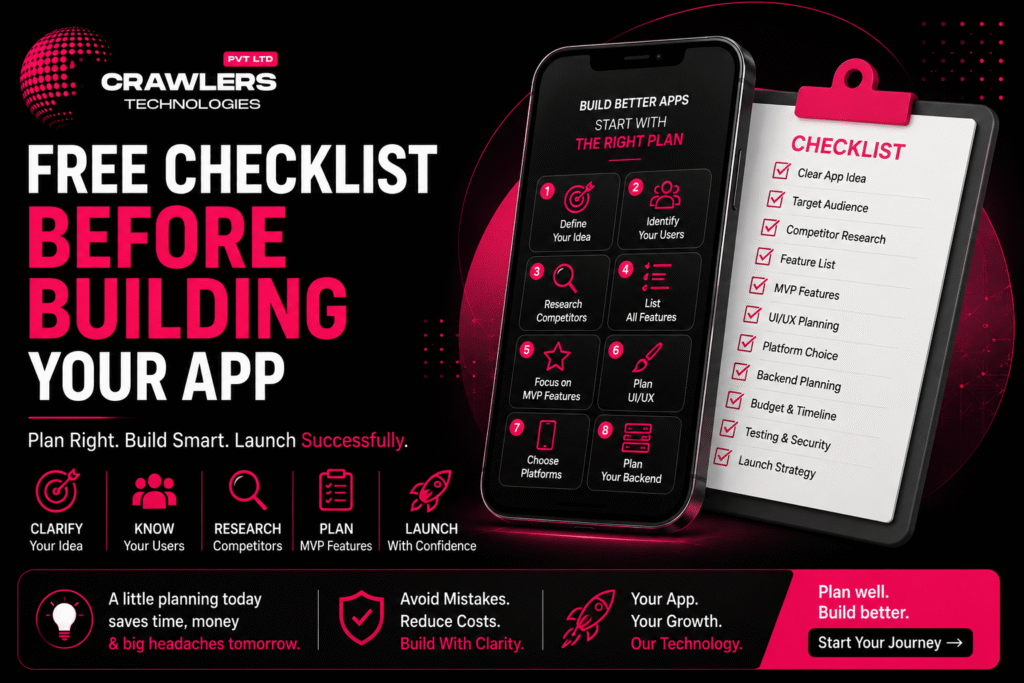
πŸ“± Free Checklist Before Building Your App

πŸš€ How to Automate Your Business with a Custom App Free Checklist Before Building Your App | Crawlers Technologies 0 / 0 completed Intro Define Your Idea Features & MVP Tech & Backend Budget & Timeline Security & Testing Partner & Launch Full Checklist Final Thoughts Free Resource Β· App Planning Free ChecklistBefore Building Your App Don’t spend a rupee on development until these questions are answered. This interactive checklist covers everything β€” from idea to launch β€” so your app project starts right. πŸ’‘ Idea Definition 🎯 Target Users πŸ“ Features & MVP πŸ“± Platform Choice πŸ’° Budget Planning πŸ” Security πŸ§ͺ Testing πŸš€ Launch Strategy Click each item to check it off Steps 1 – 3 01Define Your App Idea Before talking to developers, clearly explain what your app is supposed to do. If you cannot explain your idea in one sentence, spend more time on the planning stage first. I can explain my app idea in one sentence I know the specific problem I’m solving I know my target audience I understand my app’s main purpose I know what makes my idea different from competitors 02Identify Your Target Users Your app should be designed for a specific audience. An app for college students has very different requirements from one built for business owners. Age groupLocationCustomer type InterestsProblemsTech preferences Target audience clearly identified Customer problems understood User behaviour and buying patterns researched User expectations identified 03Research Your Competitors Don’t build your app without studying similar products. Negative reviews are goldmines β€” they reveal problems your competitors haven’t solved yet. Google Play Store Apple App Store Google Search Social media Competitors identified and listed Competitor features compared Customer reviews β€” especially negative ones β€” studied Competitor weaknesses identified My unique competitive advantage defined Steps 4 – 6 04Create a Feature List Write down every feature you’re considering β€” then separate them into essential and future categories. Don’t build everything in version one. βœ… Essential Features (Build Now) User registration & login Core product or service listing Search & filter Checkout & payment Order / booking tracking Push notifications β—‡ Future Features (Build Later) AI-powered recommendations Loyalty & referral programs Advanced analytics Voice search Multi-language support Social sharing 05Decide Your MVP Features An MVP (Minimum Viable Product) is the first version containing only the features needed to test the idea. It reduces initial cost and validates the concept before full investment. “If I could launch with only 5 features, which ones would they be?” β€” Those are your MVP features. Core problem clearly identified Must-have features listed and agreed Nice-to-have features separated from essentials Future features documented for later phases MVP scope finalized and agreed with team 06Plan Your UI/UX Before development starts, map how users will move through the app. You don’t need a final design β€” a basic user flow makes developer discussions far easier and more accurate. Open App β†’ Sign Up β†’ Browse β†’ Select β†’ Action β†’ Confirmation Main screens identified User journey mapped from open to completion Navigation structure planned Branding requirements defined (logo, colours, fonts) UI/UX requirements discussed with development team Steps 7 – 9 07Choose Your Platform Decide where your app needs to be available. The right choice depends on your audience, performance requirements, features, budget, and long-term plans. πŸ€– Android Best when your target audience primarily uses Android devices 🍎 iOS Important when your audience includes significant iPhone users πŸ’™ Both (Flutter) Cross-platform for broad coverage at lower development cost 08Plan Your Backend Many businesses focus only on the mobile interface and forget the backend. A strong backend foundation becomes critical as your app grows. Ask your development company: “What backend architecture will this app need?” πŸ‘€ User accounts πŸ—„οΈ Databases πŸ’³ Payments πŸ“¦ Orders πŸ”” Notifications πŸ”‘ Authentication βš™οΈ Business logic πŸ“Š Reports 09List Required Integrations Create a complete list of all third-party services before development begins. This helps your team estimate the project more accurately β€” and avoids nasty surprises mid-build. πŸ’³ Payment gateways πŸ—ΊοΈ Google Maps πŸ’¬ WhatsApp API πŸ“± SMS providers πŸ“§ Email services πŸ—„οΈ CRM / ERP πŸ“Š Accounting software πŸ” Social login ☁️ Cloud storage πŸ“ˆ Analytics tools Android / iOS platform requirements decided Technology approach (Native / Flutter / React Native) discussed Backend requirements identified and documented All required APIs and integrations listed Steps 10 – 11 10Set a Realistic Budget Don’t consider only the development cost. Your total app investment includes much more than what a developer quotes you on day one. ❌ Wrong Question “How much does it cost to build the app?” βœ… Right Question “How much will it cost to build, launch, operate, and grow the app?” 🎨 UI/UX design πŸ’» App development βš™οΈ Backend development πŸ§ͺ Testing ☁️ Cloud hosting 🌐 Domain πŸ”— API costs πŸ’³ Payment gateway fees πŸ“± App Store fees πŸ”§ Maintenance πŸ“£ Marketing Development budget set with realistic expectations Hosting and cloud infrastructure costs considered API and third-party service costs included Ongoing maintenance budget planned App marketing budget allocated 11Define Your Timeline Set realistic expectations. A simple MVP takes far less time than a complex marketplace or enterprise application. Target launch date defined and agreed MVP deadline defined Development milestones planned Testing period included in the schedule App Store submission time accounted for (7–14 days) Steps 12 – 14 12Think About Security Security is not an afterthought. If your app handles financial, healthcare, personal, or business information, security planning starts before a single line of code is written. User authentication method decided (OTP, email, social) Data encryption requirements discussed Secure APIs planned from day one Payment security requirements identified Role-based access control planned Database security and backups included 13Plan for Testing Never assume an app is ready just because coding is complete. Testing should catch bugs before your customers do β€” not after. Functional testing included in project plan UI and usability testing planned Performance and load testing included Device compatibility testing across Android and iOS API and integration testing planned Security testing included