App Maintenance

Uncategorized

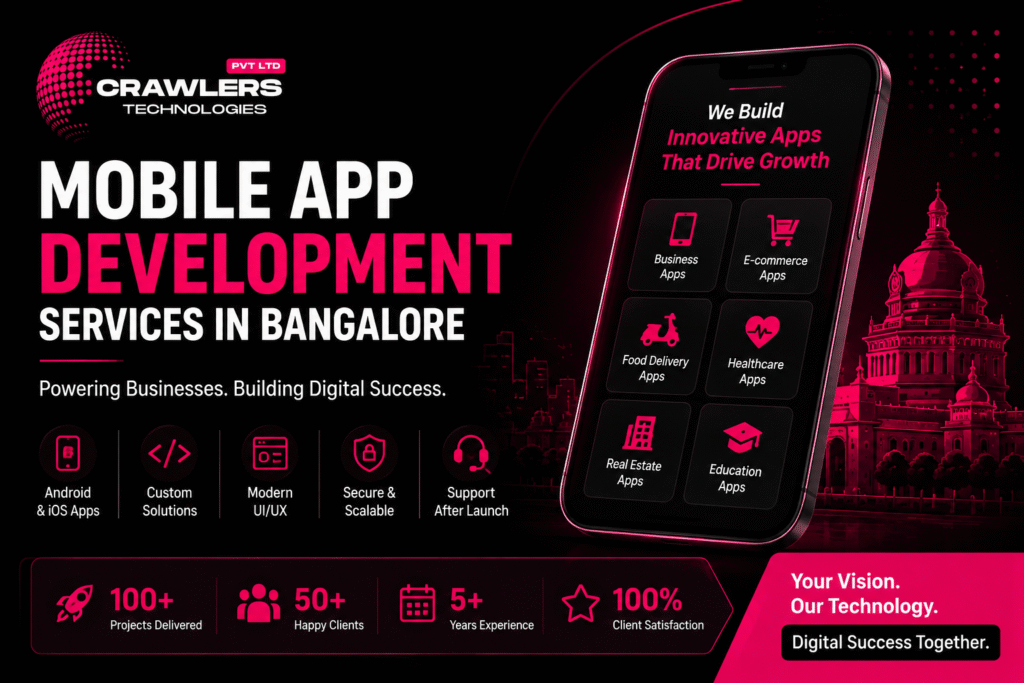
📱 Mobile App Development Services in Bangalore – Complete Guide

🚀 How to Automate Your Business with a Custom App Mobile App Development Services in Bangalore – Complete Guide | Crawlers Technologies Intro What Is It? App Types Native vs Cross Backend & Security Cost & Timeline How to Choose Tips & Mistakes Final Thoughts Complete Guide · Bangalore · 2026 Mobile App DevelopmentServices in Bangalore Everything businesses need to know before building a mobile application — technology, costs, timelines, and how to pick the right development partner. 📱 App Types 💻 Native vs Flutter 🎨 UI/UX Design 💰 Cost Breakdown ⏱️ Timelines 🔐 Security 🧪 Testing & QA 🚩 Mistakes to Avoid Scroll to explore The Basics What Is Mobile App Development? Mobile app development is the process of designing, building, testing, and launching applications for smartphones and tablets — for Android, iOS, or both. 618+Dev Companies in Bangalore ₹3LSimple MVP Starting Cost 8 WksFastest Basic App 2026Market Data A Professional Project Typically Includes 📋 Business requirement analysis 🎨 UI/UX design 💻 Frontend development ⚙️ Backend development 🔗 API integration 🗄️ Database development 🧪 Testing & QA 🚀 App Store deployment 🔧 Post-launch maintenance Typical Development Process 🔭Discovery → 🎨UI / UX → 💻Development → 🧪Testing → 🚀Deployment → 🔧Support What You Can Build Types of Mobile Apps Businesses Can Build From internal business tools to consumer-facing platforms, the type of app determines the architecture, features, timeline, and investment required. 🏢 Business Apps Customer management Employee operations Orders & inventory Reports & dashboards Internal automation 🛍️ E-Commerce Apps Browse & filter products Cart & checkout Payment integration Order tracking CRM & inventory sync 🍽️ Food Delivery Apps Restaurant listings Menu management Online ordering Delivery tracking Customer reviews 🏥 Healthcare Apps Appointment booking Doctor profiles Patient communication Digital records Teleconsultation 🏠 Real Estate Apps Property listings Location-based search Lead generation Site-visit booking Agent communication 🎓 Education Apps Online courses & videos Quizzes & assessments Student dashboards Progress tracking Online payments Technology Decision Native vs Cross-Platform Development One of the first — and most important — decisions is choosing your development approach. Each has distinct trade-offs in cost, speed, and performance. Kotlin · Swift 📱 Native Development ✔Exceptional performance & speed ✔Full access to platform features ✔Highly optimised user experience ✔Best for complex applications ✗Higher cost — two separate codebases ✗Longer development timeline Flutter · React Native 💙 Cross-Platform Development ✔Faster development — one shared codebase ✔Lower development effort & cost ✔Easier maintenance & updates ✔Near-native performance (especially Flutter) ~Best for startups & growing businesses 🎨 UI/UX Design — Why It Matters as Much as Code A technically powerful app can still fail if users find it difficult to use. Good UI/UX directly improves engagement, conversions, and retention. User research User journey mapping Wireframing Prototyping Visual design Usability testing Design system creation Infrastructure Backend, Security & Cloud The backend powers everything users interact with inside the app. As your user base grows, a well-architected backend becomes the difference between a product that scales and one that breaks. ⚙️ Backend & API Development The backend manages: User accountsDatabasesPaymentsOrdersNotificationsAuthenticationBusiness logic Common integrations: Payment gatewaysGoogle MapsWhatsApp APISMS providersCRM / ERPAnalytics toolsCloud services 🔐 Mobile App Security Security must be considered from the first line of code — not retrofitted at the end. This is especially critical for payment, healthcare, and financial applications. 🔑 Secure authentication 🔒 Data encryption 🌐 HTTPS everywhere 🔗 Secure APIs 👥 Role-based access 🗄️ Database protection 🧪 Regular security testing ☁️ Secure cloud infra 🧪 Testing & Quality Assurance Before launching, every app should be tested across real devices, scenarios, and use cases. Testing catches bugs before your customers do. ✅ Functional testing 🖥️ UI testing ⚡ Performance testing 🔒 Security testing 🔗 API testing 📱 Device compatibility 🔁 Regression testing 👥 User acceptance testing ☁️ Cloud & Hosting Most modern apps require cloud infrastructure for the backend, database, storage, and APIs — allowing the application to scale as traffic grows. ☁️ AWS Amazon Web Services 🔵 Azure Microsoft Azure 🟢 GCP Google Cloud Platform Investment How Much Does App Development Cost in Bangalore? There is no fixed price — costs depend on complexity, platform, integrations, and team structure. These are 2026 Bangalore market estimates. 💰 Indicative Cost Ranges App Type Approximate Cost Simple MVP ₹3L – ₹8L Standard Business App ₹5L – ₹15L Medium-Complexity App ₹8L – ₹20L Marketplace / On-Demand App ₹15L – ₹40L+ Enterprise Application ₹40L+ These are indicative market ranges. The final quotation depends on your exact requirements. 📊 Cost by App Type (Relative Scale) Simple MVP₹3L – ₹8L Standard Business App₹5L – ₹15L Medium-Complexity App₹8L – ₹20L Marketplace / On-Demand₹15L – ₹40L+ Enterprise Application₹40L+ ⚡ What Determines Your App’s Cost ⚙️ Number of Features More functionality means more development time and investment 📱 Number of Platforms Separate native builds cost more than a cross-platform approach 🎨 UI/UX Complexity Custom animations and advanced interfaces require more design work 🖥️ Backend Complexity Complex logic, real-time data, and multiple user roles add cost 🔗 Third-Party Integrations Payments, maps, SMS, CRM, and ERP add development requirements 🔒 Security Requirements Sensitive data apps need additional testing and infrastructure 📈 Scalability Apps built for millions of users require more sophisticated architecture ⏱️ Development Timelines — 2026 Bangalore Estimates 8–14 Weeks Basic App 3–6 Months Medium App 4–12 Months Complex App A clear scope and well-defined requirements can significantly reduce unnecessary delays. Decision Framework How to Choose a Mobile App Development Company in Bangalore With 618+ reviewed companies in Bangalore alone, don’t choose based only on price. Evaluate each company across these critical dimensions. 🔍Relevant Portfolio — Has the company built apps similar to yours in functionality or industry? 🧠Technical Expertise — Does the team understand the specific technologies your project requires? 🎨UI/UX Capability — Review the quality and usability of their previous applications, not just screenshots. 🧪Testing Process — Ask exactly how bugs, performance, security, and device compatibility are handled. 💰Transparent Pricing — The proposal should explain features, deliverables, timeline, payment terms, and maintenance costs. 🔧Post-Launch Support — What happens
Uncategorized

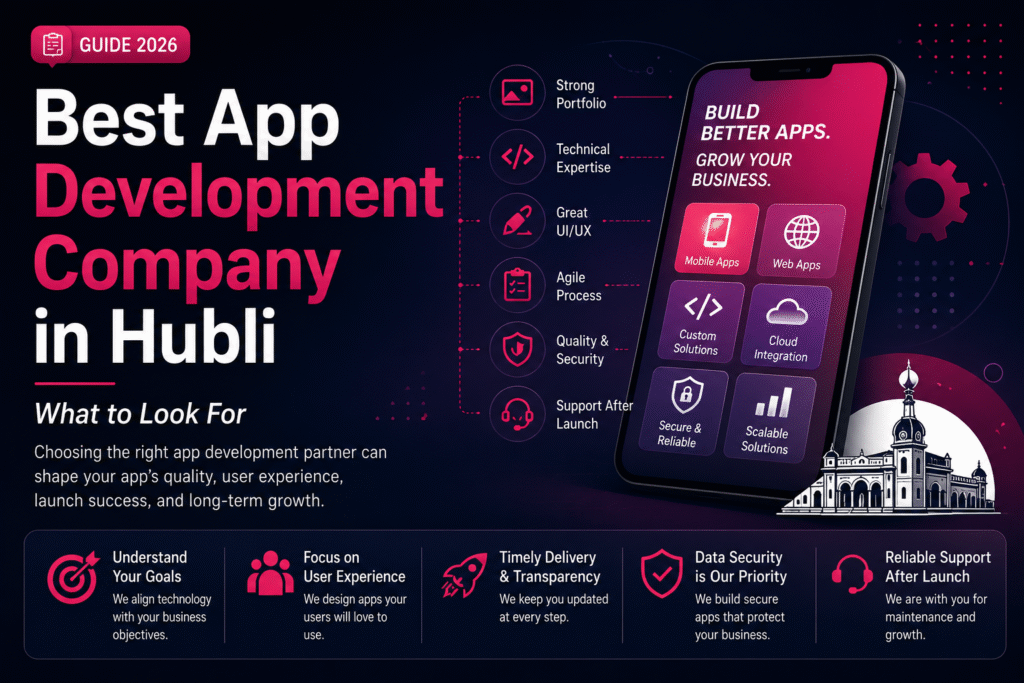
Best App Development Company in Hubli – What to Look For

🚀 How to Automate Your Business with a Custom App Best App Development Company in Hubli – What to Look For | Crawlers Technologies Intro Why It Matters Key Factors Process Security & Cost Red Flags Questions to Ask Hubli Advantage Final Thoughts Business Guide · Hubli, Karnataka Best App DevelopmentCompany in Hubli What to look for before you invest. Your development partner shapes your app’s performance, security, timeline, and long-term success — choose wisely. 🔍 Portfolio 🧠 Tech Expertise 🎨 UI/UX Design 🧪 Testing & QA 🔐 Security 🚩 Red Flags 💰 Pricing Transparency 📅 Timelines Scroll to explore The Stakes Why Choosing the Right Partner Matters A mobile app can become a critical part of how your business operates every day. The wrong development partner can cost far more than money. Your App May Handle 👤 Customer registrations 💳 Online payments 📦 Product orders 📅 Appointments 📊 Customer data 👥 Employee operations ⚙️ Business automation 💬 Real-time communication What Goes Wrong with the Wrong Partner ✗ Delayed launches ✗ Unexpected costs ✗ Poor performance ✗ Security vulnerabilities ✗ App that doesn’t solve your business problem The right partner should understand your business goals — not just your technical requirements. 🍽️ Restaurant Online ordering Delivery tracking Loyalty rewards 🏥 Healthcare Appointment booking Patient records Notifications 🏠 Real Estate Property listings Lead management Site-visit booking Evaluation Criteria 13 Factors to Evaluate Any Development Company Work through this list before signing any contract. Each factor reveals something important about whether a company is the right fit for your project. 01 Check Their Previous App Development Work Don’t just look at their website. Ask to see real, live applications they have designed and developed — not mockups or concept screenshots. Similar industries Similar functionality Android & iOS apps Cross-platform apps UI/UX quality 02 Evaluate Their Technical Expertise A capable team can explain why a particular technology is right for your project — not just what’s popular right now. Flutter React Native Kotlin Swift Node.js Laravel Python APIs & Cloud 03 Don’t Ignore UI/UX Design A technically powerful app can still fail if users find it difficult to use. A good app makes it easy for users to accomplish their goals. User research Wireframes User journeys Prototypes Visual design Usability testing 04 Look for Custom Development Every business has different requirements. The company should build a solution around your specific workflow — not force your business to adapt to a generic product. 05 Understand Their Development Process A professional development process should follow structured stages. Ask how the project will be managed before any work begins. 🔭Discovery → 🗺️Planning → 🎨UI/UX → 💻Dev → 🧪Testing → 🚀Deploy → 🔧Support 06 Ask About Testing & Quality Assurance Never choose a company based only on development speed. A proper QA process catches problems before your customers do. ✅ Functional testing 📱 Device testing ⚡ Performance testing 🔒 Security testing 🔗 API testing 🔁 Regression testing Critical Factors Security, Pricing & Scalability 07 Check Their Approach to App Security Security should be built into the development process — not added as an afterthought at the end. Data encryption Secure APIs Authentication Role-based access Database security Security testing Regular updates 08 Don’t Choose the Cheapest Quote Automatically Two companies can quote different prices because their proposals cover different scopes. ❌ Wrong Question “Who is the cheapest?” ✅ Right Question “What exactly am I getting for this investment?” UI/UX design scope Testing included Cloud infrastructure Integrations App Store deployment Maintenance plan 09 Ask About Timeline & Milestones Be cautious of companies promising complex applications in unrealistically short timelines. A professional proposal should include clearly defined stages. Discovery timeline Design milestones Development phases Testing period Client review stages Post-launch support 10 Evaluate Communication Communication can make or break a software project. A good partner makes technical information understandable to business owners. 👤 Dedicated project manager? 📅 Regular update frequency? 🛠️ Communication tools used? 💬 Feedback collection process? 11 Check Post-Launch Support Development doesn’t end when your app reaches the store. After launch, your app needs ongoing attention. Bug fixes Security updates OS compatibility Performance improvements New features Technical support 12 Clarify Source Code & Ownership These details must be clearly defined in your agreement before development begins. Your business should know exactly what is handed over at completion. 📁 Source code 🎨 UI/UX designs 🗄️ Database 📄 Documentation ☁️ Cloud accounts 📱 App Store accounts ⚖️ IP ownership 13 Ask About Scalability Don’t build only for today. Think about where your business could be in three to five years and whether the architecture supports that growth. Can this support more users? Can we add new features later? Can it integrate with our CRM or ERP? Can it expand to additional markets? Warning Signs 🚩 Red Flags to Watch Out For A strong development partner is transparent about both opportunities and limitations. Watch for these warning signs. ✗Extremely low quote without understanding your requirements ✗Promises unrealistic delivery timelines ✗Cannot show relevant previous work ✗Avoids explaining the technology stack ✗Unclear ownership and IP terms ✗Doesn’t discuss testing or QA process ✗No post-launch support plan ✗Difficult or slow communication ✗Focuses only on selling instead of understanding your business Due Diligence ✅ Questions to Ask Before Hiring These questions help you compare companies on value and capability — not price alone. Take them into every discovery call. 01Have you developed similar applications before? 02Can I see examples of your live, working apps? 03Which technology do you recommend and why? 04Will you handle UI/UX design as part of this project? 05What testing process do you follow at each stage? 06How will project progress be communicated to me? 07What happens if requirements change during development? 08Who owns the source code at the end of the project? 09Do you provide App Store and Play Store deployment? 10What post-launch support do you provide and at what cost? 11Can the application scale as my business grows? 12What exactly is included in the quoted price? Working Locally 🏆

DEVELOPMENT

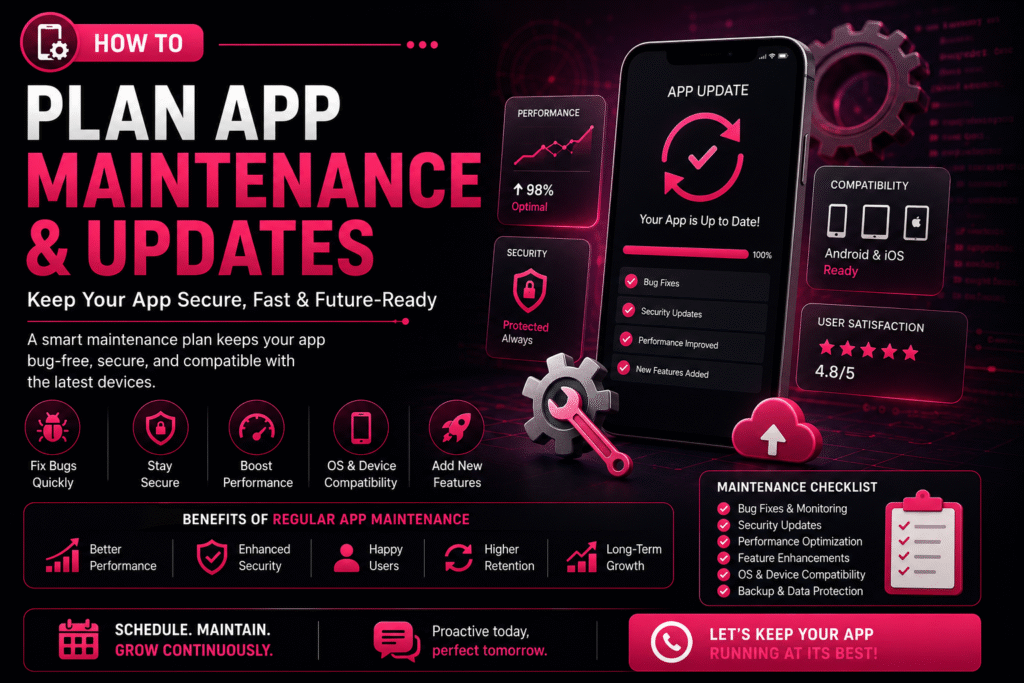
🔄 How to Plan App Maintenance & Updates

🚀 How to Automate Your Business with a Custom App How to Plan App Maintenance & Updates | Crawlers Technologies 🔄 How to Plan App Maintenance & Updates Launching a mobile app is only the beginning of its journey. To keep your app secure, fast, and compatible with the latest devices, regular maintenance and updates are essential. Without a proper maintenance plan, your app may experience bugs, security vulnerabilities, outdated features, and declining user engagement. Whether you own a startup, an e-commerce platform, or an enterprise application — a structured app maintenance strategy ensures long-term success. 🚀 Why App Maintenance Matters Mobile apps require continuous care to remain reliable and competitive. A well-maintained app delivers consistent performance and builds user trust. Regular maintenance helps you: 🐛 Fix bugs & technical issues ⚡ Improve performance 🔒 Strengthen security 📱 Stay OS compatible ✨ Add new features 😊 Enhance user experience 📈 Increase retention 📋 Create a Maintenance Plan A maintenance plan outlines what needs to be updated, when it should be done, and who is responsible. Having a roadmap helps prevent unexpected issues and keeps your app running smoothly. 🐛 Bug Fixing Schedule Structured cycles to resolve issues before they impact users 🔒 Security Updates Routine patches to keep your app safe from new threats 📊 Performance Monitoring Continuous tracking of speed, crashes, and load times ✨ Feature Improvements Planned enhancements driven by user feedback and goals 📱 OS Compatibility Testing and updates for every new Android & iOS release ☁️ Backup & Recovery Automated backups and disaster recovery protocols 1 Prioritize Bug Fixes Even after thorough testing, users may discover issues in real-world scenarios. Classify and resolve them efficiently. 🔍 Common Bugs App crashes Login failures Payment errors Slow loading UI glitches Notification issues ⚠️ Classify by Severity 🔴 Critical Fix immediately — app unusable 🟡 Major Resolve in next update 🟢 Minor Include in scheduled maintenance 2 Schedule Regular Security Updates Cyber threats evolve constantly, making security maintenance essential. Protecting customer data should always be a top priority. 🛡️ Security patches 🔗 API security improvements 🔐 Encryption updates 🔑 Authentication enhancements 🕵️ Vulnerability fixes 3 Keep Up with Android & iOS Updates Google and Apple frequently release operating system updates. Testing your app before major OS releases helps avoid compatibility issues. 📱 Each New OS May Require UI adjustments Permission updates Performance optimisation Compatibility testing SDK upgrades ✅ Best Practices ✔Test on beta OS versions early ✔Monitor Apple & Google release notes ✔Keep SDKs and libraries current ✔Run regression tests after every OS update 4 Monitor App Performance Performance should be monitored continuously. Performance optimisation improves the overall user experience significantly. 🚀 App Startup Time Users abandon apps that take more than 3 seconds to load 📺 Screen Loading Speed Each screen should render within 1–2 seconds 💥 Crash Rates Keep crash-free session rate above 99.5% 🔋 Battery Consumption Optimise background processes to save battery 💾 Memory Usage Prevent memory leaks that cause slowdowns ⚡ API Response Times Ensure server calls complete within acceptable thresholds 5 Plan Feature Updates Successful apps evolve based on customer needs. Prioritise features based on customer feedback and business goals. 💳 New payment methods 💬 Chat support 🏅 Loyalty programmes 🌙 Dark mode 🤖 AI-powered recommendations 🔍 Improved search 6 Use Analytics to Make Better Decisions Analytics help you understand how users interact with your app and reveal opportunities for improvement. 📊 Key Metrics to Monitor Active users (DAU / MAU) Session duration Feature usage rates Conversion rates User retention Drop-off points 💡 What Insights Tell You ✔Which features are loved (keep & improve) ✔Where users get stuck (fix friction) ✔What drives conversions (double down) ✔What causes churn (address urgently) 7 Collect User Feedback Customer reviews are one of the best sources of improvement ideas. Listening to users helps you prioritise meaningful updates. 📝 In-app surveys ⭐ App Store reviews 🤖 Google Play reviews 🎧 Customer support tickets 📱 Social media mentions 8 Backup Your Data Regularly Data protection is a critical part of app maintenance. Regular backups reduce downtime and protect against data loss. ☁️ Backup Essentials Automatic backups Disaster recovery plans Secure cloud storage Data restoration procedures ✅ Best Practices ✔Daily automated backups ✔Test restoration monthly ✔Store backups in multiple regions ✔Encrypt all backup data 9 Test Before Every Release Every update should undergo thorough testing. Testing minimises the risk of introducing new issues to your users. ✅ Functional testing ⚡ Performance testing 🔒 Security testing 📱 Device compatibility 🔁 Regression testing 👥 User acceptance testing (UAT) 10 Create an Update Schedule Instead of making random updates, establish a consistent release cycle. A predictable schedule keeps your users and development team aligned. Frequency Focus Area Activities Weekly Bug Fixes & Monitoring Crash reports, error logs, critical patches Monthly Performance Improvements Speed optimisation, memory fixes, UI tweaks Quarterly Feature Updates New features, UI enhancements, integrations Annually Major Upgrades Redesigns, technology upgrades, full audits 📈 Benefits vs Risks Understanding the impact of proactive maintenance versus neglect. ✅ Benefits of Regular Maintenance ✔Improved app performance ✔Enhanced security ✔Reduced downtime ✔Increased customer satisfaction ✔Compatibility with new devices ✔Valuable new features added ✔Extended app lifespan 🚨 Risks of Ignoring Maintenance ✖Frequent crashes ✖Security vulnerabilities ✖Poor user reviews ✖Lower app store ratings ✖Customer churn ✖Lost revenue ✖Compatibility issues with new devices 🤝 Partner with an Experienced Development Team Working with a professional development partner ensures your app stays competitive, secure, and future-ready without adding burden to your internal team. ⚡ Faster issue resolution 👁️ Proactive monitoring 🔒 Regular security updates 📈 Performance optimisation 🛟 Reliable technical support A skilled team can help your app adapt to changing technologies and business needs at every stage of growth. 💡 Final Thoughts Building a mobile app is a significant investment, but its long-term success depends on consistent maintenance and updates. By planning regular bug fixes, security improvements, performance optimisation, and feature enhancements — you can keep your app reliable, secure, and competitive. ✔Better user experience ✔Increased customer loyalty ✔Supports business