
🚀 How to Automate Your Business with a Custom App
Interactive Tool · India · 2026
App Development
Budget Calculator
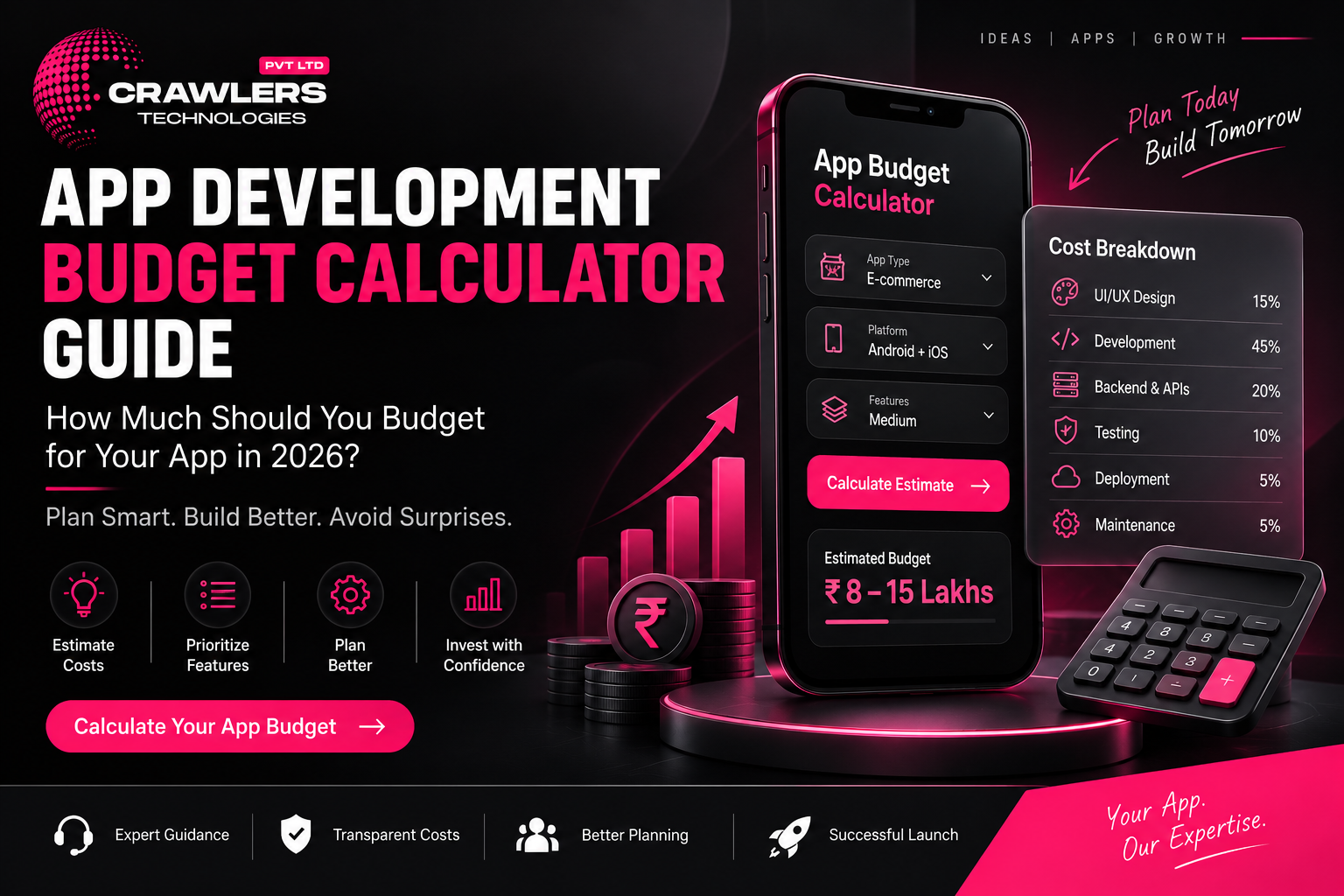
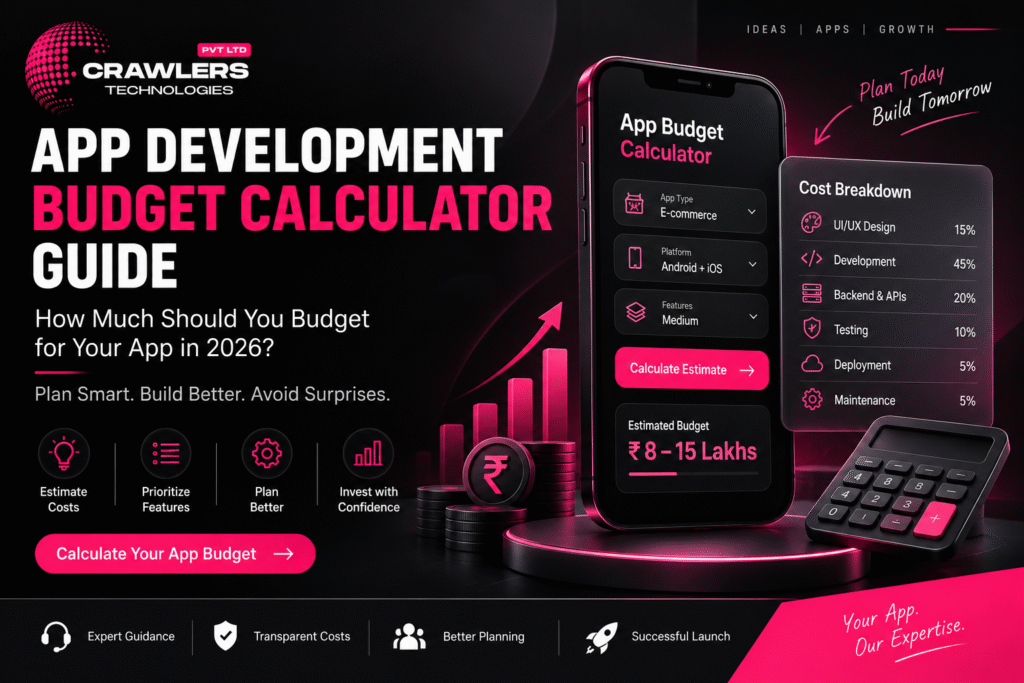
How much should you budget for your app in 2026? Use this interactive calculator to estimate your total investment — from development to post-launch.
💰 Live Calculator
📊 Cost Factors
🚀 MVP vs Full
📅 Annual Budget
📋 Checklist
🚨 Common Mistakes
Scroll to estimate your budget
The Formula
What Determines App Development Cost?
Two businesses may build apps with similar purposes but have completely different budgets. There is no single price. Understanding what drives cost helps you plan realistically.
The Budget Formula
Total App Budget =
UI/UX Design + Mobile Development + Backend
+ Admin Panel + Integrations + Testing
+ Deployment + Initial Infrastructure
Annual Operating Budget =
Maintenance + Cloud + APIs + Third-Party Services + Marketing
Major Cost Factors
| Cost Factor | Impact on Budget |
|---|---|
| App complexity | ● HIGH |
| Number of features | ● HIGH |
| UI/UX design quality | ◐ MEDIUM–HIGH |
| Platform (Android / iOS / Both) | ◐ MEDIUM–HIGH |
| Backend development | ● HIGH |
| API & third-party integrations | ◐ MEDIUM–HIGH |
| Security requirements | ◐ MEDIUM–HIGH |
| Testing & QA | ◐ MEDIUM |
| Admin panel | ◐ MEDIUM |
| Maintenance (post-launch) | ⟳ ONGOING |
Step 1
Choose Your App Complexity
The first step in budget calculation. Click your complexity tier to pre-fill the calculator below with indicative ranges.
🌱
Basic App
₹2L – ₹5L+
Limited functionality, few screens, simple backend
Info appBookingUtilityProfile
⚡
Medium App
₹5L – ₹15L+
User accounts, payments, APIs, notifications, admin panel
E-commerceBookingEdTechRestaurant
🔥
Complex App
₹15L – ₹50L+
Multiple roles, real-time features, advanced integrations, large-scale infra
MarketplaceFintechLogisticsEnterprise
Step 2 — Interactive
💰 Live Budget Calculator
Enter your estimated cost for each component. The total updates in real time. Values are pre-filled based on your complexity selection above — adjust as needed.
🎨 UI/UX Design
User research, wireframes, visual design, prototypes, design system
₹
📱 Mobile App Development
Frontend, screens, navigation, device features, animations
₹
⚙️ Backend Development
APIs, database, authentication, business logic, notifications
₹
🖥️ Admin Panel / Dashboard
Web-based admin to manage users, orders, products, reports
₹
🔗 API & Third-Party Integrations
Payment gateway, maps, SMS, WhatsApp, CRM, social login
₹
🧪 Testing & Quality Assurance
Functional, UI, performance, security, device, regression testing
₹
🚀 Deployment & Infrastructure
App Store accounts, cloud setup, domain, SSL, initial config
₹
Estimated Build Budget
₹8,00,000
Indicative planning estimate — actual quotes depend on detailed requirements
Budget Breakdown
Real-World Example
📊 Example: Service Booking App
A business wants to build a service booking application with user registration, OTP login, service listing, booking, payment, notifications, customer profile, booking history, and an admin panel.
Illustrative Budget Breakdown
| Component | Example Budget |
|---|---|
| 🎨 UI/UX Design | ₹75,000 |
| 📱 Mobile App Development | ₹3,00,000 |
| ⚙️ Backend & APIs | ₹2,00,000 |
| 🖥️ Admin Panel | ₹1,00,000 |
| 💳 Payment Integration | ₹30,000 |
| 🧪 Testing & QA | ₹50,000 |
| 🚀 Deployment | ₹25,000 |
| 💰 Estimated Total | ₹7,80,000 |
This is an illustrative calculation only. Actual pricing can be significantly different depending on requirements, technology choice, and development team.
Don’t Forget This
📅 Annual Operating Budget
Your app budget doesn’t end when it reaches the Play Store or App Store. Calculate your ongoing annual costs separately — many businesses forget this until it’s too late.
🔧 Maintenance & Bug Fixes
OS updates, security patches, routine fixes
₹
☁️ Cloud Hosting & Servers
AWS / GCP / Azure monthly costs
₹
🔗 API & Third-Party Subscriptions
SMS, maps, payment fees, analytics tools
₹
✨ New Features
Quarterly feature enhancements based on user feedback
₹
📣 Marketing
Google Ads, Meta, ASO, influencers, referral campaigns
₹
Annual Operating Budget
Cloud + Maintenance + APIs + Features + Marketing
₹3,60,000
Post-Launch Cost Categories
🔧
Maintenance
Bug fixes, OS updates, security patches
☁️
Infrastructure
Servers, databases, storage, backups
🔗
APIs
SMS, maps, payment fees, analytics
📣
Marketing
Ads, ASO, referrals, content
Smart Strategy
🚀 MVP vs Full App: Which Budget to Choose?
If budget is limited, you don’t need to build everything at once. An MVP focuses on the most important features needed to validate the business idea — then you expand based on real feedback.
✅ MVP — Launch First
- Login & registration
- Product / service catalogue
- Product / service detail
- Cart / booking
- Checkout & payment
- Order / booking tracking
- Basic notifications
◇ Full App — Add Later
- AI-powered recommendations
- Loyalty & referral programs
- Multiple payment options
- Advanced reviews & ratings
- Advanced analytics
- AI chatbot
- Subscription tier
The MVP can launch earlier and help you understand what customers actually use. Then invest in additional features based on real data — not assumptions.
Before You Quote
📋 Budget Readiness Checklist
Answer these questions before requesting a development quotation. The clearer your brief, the more accurate the estimate you’ll receive.
💡 Business
Problem the app solves is defined
Target users clearly identified
Business model decided
Revenue strategy planned
📱 Features
Must-have features listed
Future features separated from MVP
User roles identified
Admin panel requirement decided
⚙️ Technology
Android / iOS / Both decided
Native vs cross-platform discussed
Backend requirements identified
Required APIs and integrations listed
💰 Budget
UI/UX budget allocated
Development budget set
Backend and integrations budgeted
Testing budget included
Deployment costs considered
Maintenance budget planned separately
Cloud infrastructure costs included
Marketing budget allocated
🚨 Common App Budget Mistakes
✗
Choosing the Cheapest Quote
Poor architecture and weak testing create expensive problems later
✗
Building Too Many Features
Unnecessary spending before validating the idea
✗
Ignoring Backend Costs
The mobile interface is only one part of the system
✗
Forgetting Maintenance
Apps require updates as OS, devices, and APIs change
✗
Not Clarifying Ownership
Source code, designs, and IP must be in writing before payment
Summary
💡 Final Thoughts
Ask the Right Question
❌ Wrong Question
“How much does an app cost?”
✅ Right Question
“What exactly do I need, what should I build first, and what will it cost to operate long term?”
Start with your core requirements, separate MVP from future features, calculate development and infrastructure costs, and keep a dedicated budget for maintenance and growth. A well-planned budget avoids unexpected expenses and builds an app that supports your business goals.
Crawlers Technologies
Mobile App · Web · AI · Digital Marketing · Hubli, Karnataka
Submit your request
App Development Budget Calculator Guide: How Much Should You Budget for Your App in 2026?
Recent Post
📱 Mobile App Development Services in Bangalore – Complete Guide
August 20, 2026
12:31 pm
Read More »