📱 How to Turn Your Business into a Mobile App
In 2026, customers expect everything at their fingertips. Whether it’s booking a service, ordering products, or connecting with a brand — mobile apps have become the easiest way to engage customers.
If you’re running a business, turning it into a mobile app can significantly boost growth, improve customer experience, and increase revenue.
Let’s explore how you can transform your business into a powerful mobile app.
💡 Why Your Business Needs a Mobile App
- ✔ Reach customers anytime, anywhere
- ✔ Improve customer engagement
- ✔ Increase brand visibility
- ✔ Automate operations
- ✔ Boost sales and retention
Businesses with apps often outperform those relying only on websites.
🧠 Step 1: Identify Your Business Model
Before building an app, understand how your business will function digitally.
- Will users book services?
- Will you sell products online?
- Do you need subscriptions or memberships?
Clearly defining your model helps in planning features.
🎯 Step 2: Define Core Features
- User registration/login
- Product or service listings
- Booking or ordering system
- Payment integration
- Push notifications
- Customer support
Start simple and expand later.
👥 Step 3: Understand Your Target Audience
- Age group
- Preferences
- Usage behavior
- Pain points
This helps in designing a user-friendly experience.
🎨 Step 4: Design User-Friendly UI/UX
- Simple and easy to use
- Fast loading
- Clear navigation
- Smooth user flow
Good design keeps users engaged.
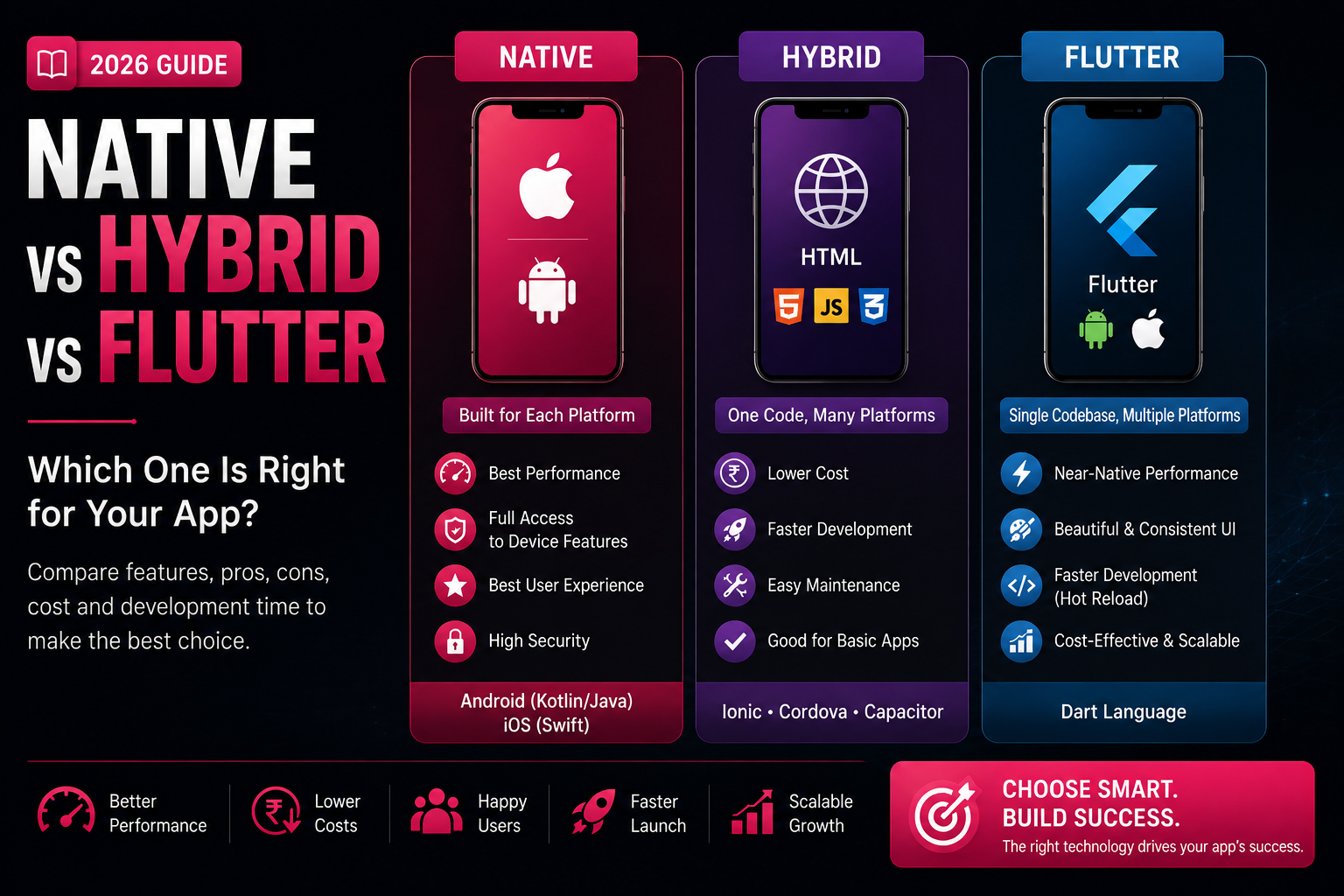
⚙️ Step 5: Choose the Right Development Approach
- Android app
- iOS app
- Cross-platform app
Your choice depends on your budget and goals.
👨💻 Step 6: Develop Your App
- Frontend (UI)
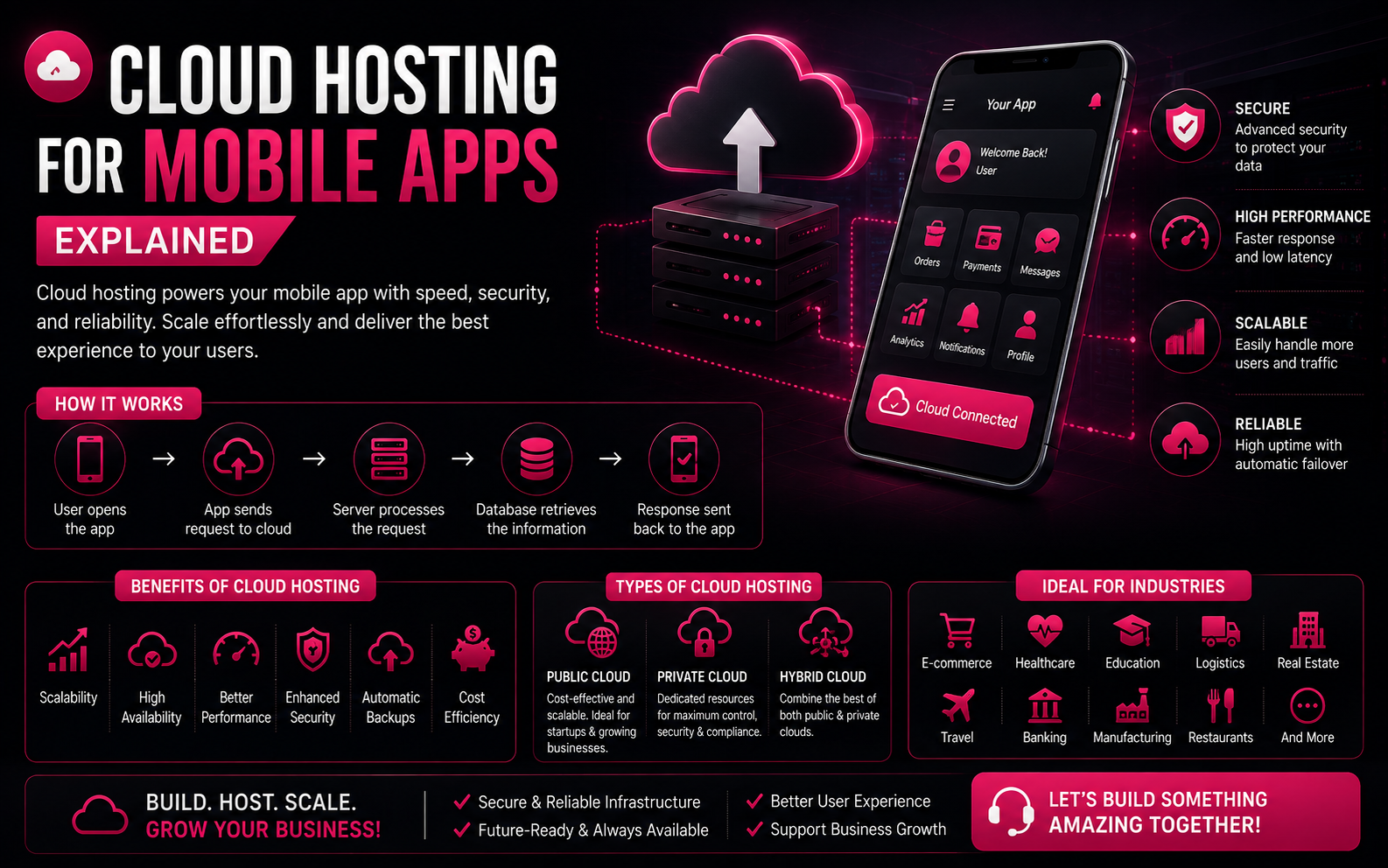
- Backend (database, server)
- API integrations
- Admin panel
Work with experienced developers for best results.
🧪 Step 7: Test Your App
- Bugs
- Performance issues
- Security
- Device compatibility
A smooth app builds trust and retention.
🚀 Step 8: Launch Your App
- Google Play Store
- Apple App Store
Ensure everything is optimized before launch.
📢 Step 9: Promote Your App
- Social media marketing
- Paid ads
- Influencer promotions
- App Store Optimization (ASO)
Marketing drives downloads and growth.
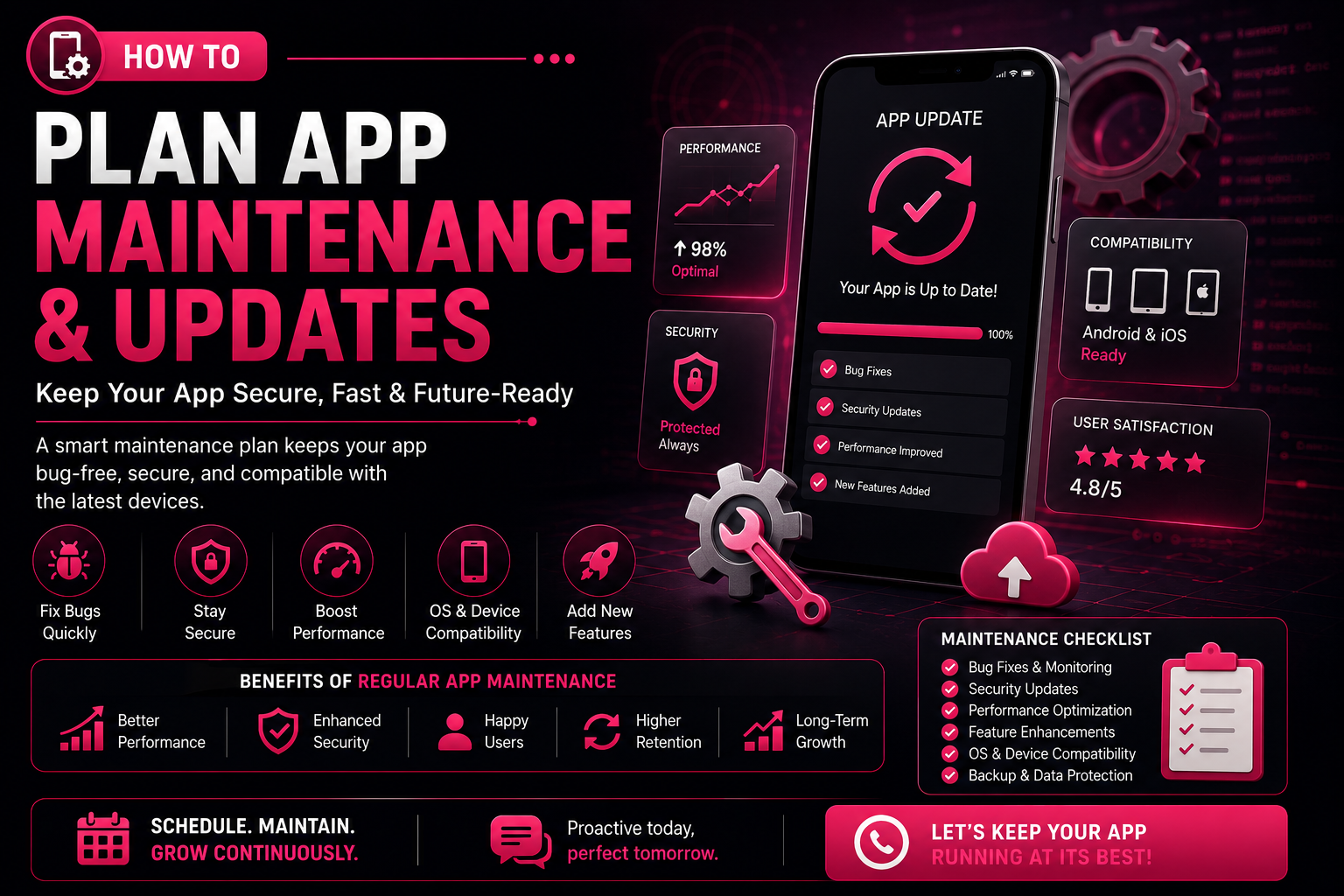
🔄 Step 10: Improve & Scale
- User feedback
- Feature updates
- Performance improvements
- Scaling infrastructure
Successful apps evolve over time.